

You can work with Val Town in Claude (Web, Desktop) using our MCP server via our Plugin. You can ask Claude to:
- List or examine your vals and read your sqlite data, logs, and almost any of your Val Town data
- Edit your vals, and even agentically iterate, viewing the output and logs until it’s done
- Open Claude
- Click “Customize”
- Go to “Plugins”, and click “Browse”
- Under “Partners”, search for Val Town, and Install
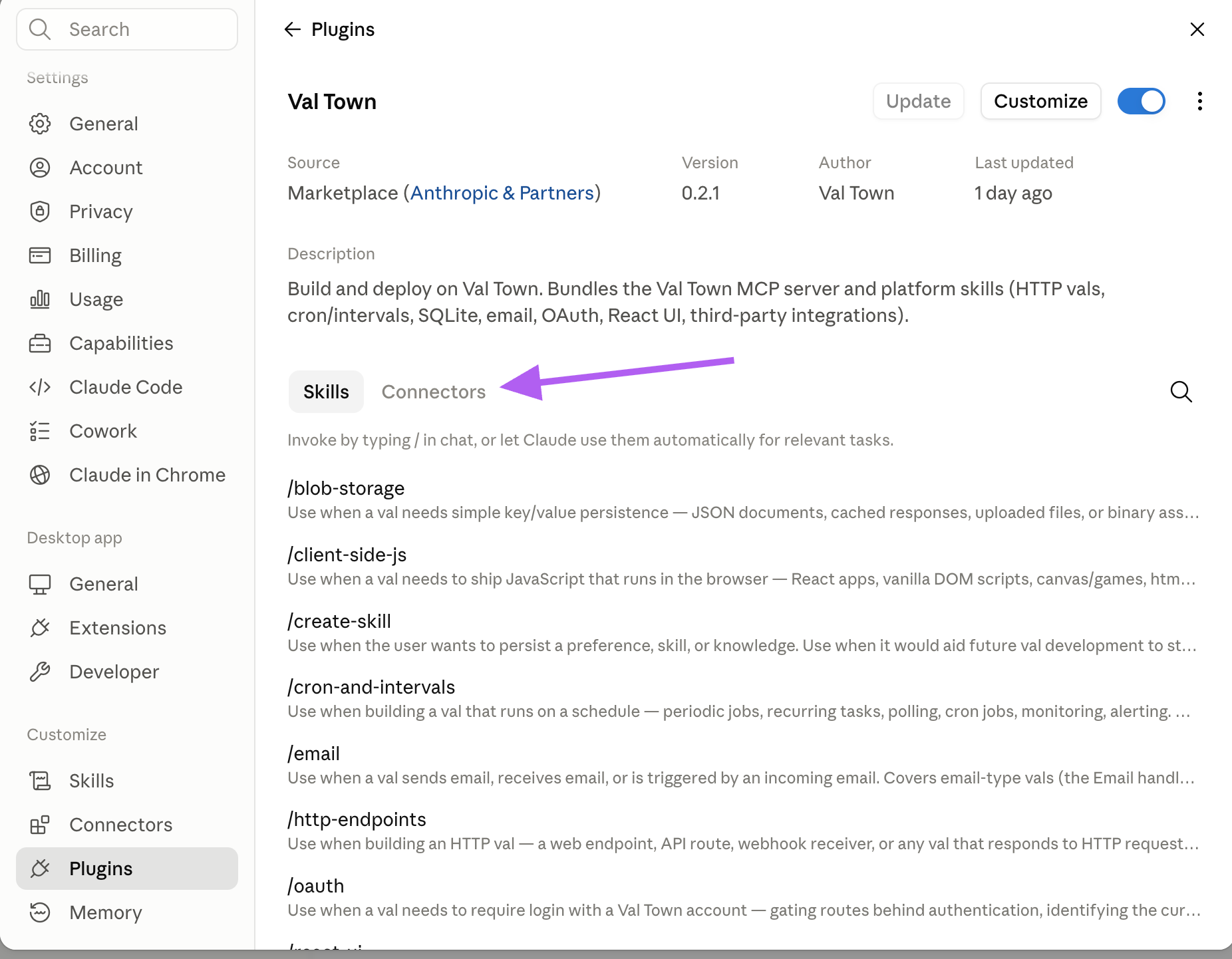
- Go back to “Plugins”, and click on the Val Town plugin
- In the Plugin details, click on “Connectors”, and you’ll see a button to Install the valtown Connector
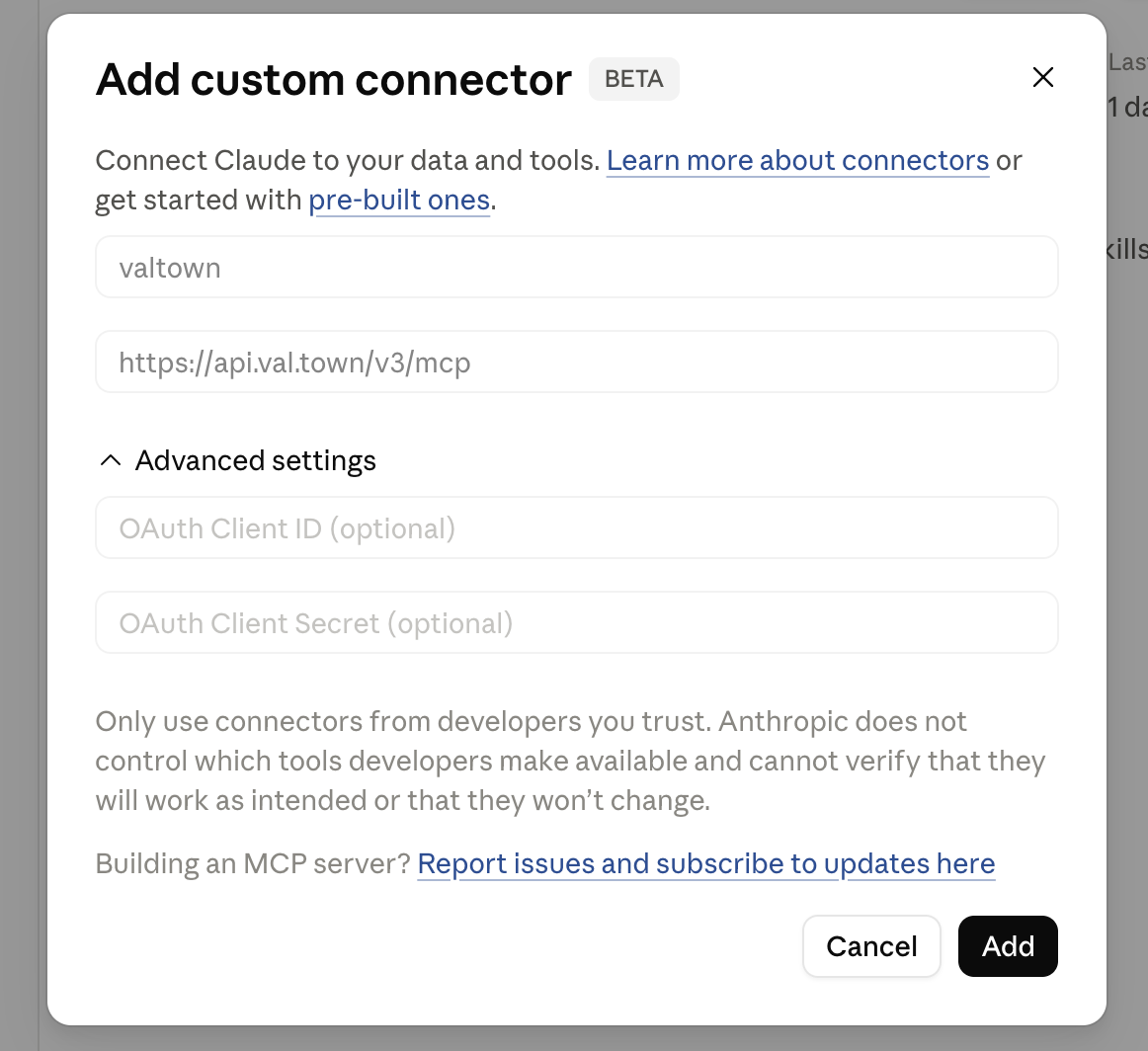
- In the Add custom connector popup, click “Add”
- Click “Connect” then “Allow” Val Town on the OAuth permission screen
- You should now be able to ask Claude to work with Val Town! You may need to quit and re-open Claude.